Clarity,
every day.
Track your period, log how you feel and see patterns in your own records, with calm support from trying to conceive to perimenopause.
Free in your browser, on Android and on Wear OS now. iPhone, iPad and Apple Watch apps coming soon.
Skip the story
More than dates on a calendar
Some days stand out. Others are easy to forget. Ruva keeps your notes, symptoms and cycle history in one place.
The headache you remembered only when it happened again. The date your period started, written somewhere you can actually find it. A quick entry can save you some guesswork later.
Daily logging and recorded patterns: Available now.
- 1 Nov Period started
- 24 Nov Energy: steady
- 26 Nov Headache, again
Try a day with Ruva.
Pick a sample date and change a check-in. You can try every control without entering anything about your own health.
- Today shows the cycle as a ribbon, the next period as a window with its confidence, and a quick check-in.
- Calendar shows logged periods, the estimated period and the fertile window so you can tell them apart.
- Patterns only counts what’s in the records. It never guesses why.
Your changes last only while this page is open. Nothing is stored or sent anywhere. Reset or reload the page to bring back the sample entries.
Next period: 28 Nov – 1 Dec
Medium confidence · based on 3 cyclesHow are you feeling?
Sleep · 6h 12m · sample entry
Support for what matters to you.
Choose the mode that fits what you want to keep track of. Today, reminders and estimates follow your choice, and you can switch at any time. There’s no next stage you have to reach.
Your period history, and what you notice along the way.
Today shows the current cycle as a ribbon: logged period days, the estimated fertile window, and the next period as a window with its confidence. Log what you choose and look back when you need a date.
- Record period days and flow, or mark bleeding as not a period day.
- Add symptoms, mood, energy, sleep or a note when you choose.
- See recorded patterns and your recent cycles side by side.
Estimates can change, and a recorded pattern doesn’t explain a symptom’s cause.
Available nowCycle Sample
- Logged period
- Fertile window, estimated
- Next period, estimated 28 Nov – 1 Dec
Medium confidence · based on 3 cycles
Your recent cycles
- August29 days
- September31 days
- October28 days
All five modes work in Ruva now. Switching modes never deletes what you’ve logged.
Pregnancy and the months after, with the urgent things easy to find.
When you’re pregnant or have just had a baby, Ruva keeps clear guidance and the right numbers close by. Everything else stays calm.
During pregnancy
- “When to get help” in one tap, sorted by how urgent it is. The numbers for where you get care, and your own care contacts, are ready to call.
- Baby movements: get to know your baby’s usual pattern, with no kick counting.
- Antenatal appointments and vaccines for the UK, the US or elsewhere.
- A contraction timer from 36 weeks, next to the rules for when to call.
- A food and drink guide you can search.
After a birth
- Recovery notes week by week, including after a caesarean.
- An optional weekly mood check with no score, and crisis routes if you need them.
- Feeds and nappies, as simple counts.
- When the postnatal check usually happens, and contraception after a birth.
Pregnancy and after-a-birth support: Available now. This is general guidance, not medical advice.
What you take, remembered quietly.
Add a medicine or supplement by name and choose when you take it. A reminder is optional, and Ruva never suggests a dose.
- Discreet reminders: you choose the name a notification shows, with Taken and Snooze.
- Pill windows for progestogen-only pills, with a “still to take” reminder.
- Perimenopause treatments, and how strong each symptom felt.
- Gentle activity minutes and a guided pelvic-floor routine.
Never stop a medicine you’ve been prescribed without checking with your doctor first.
Medicines, reminders and activity: Available now.
A small check-in. A clearer picture.
- 1
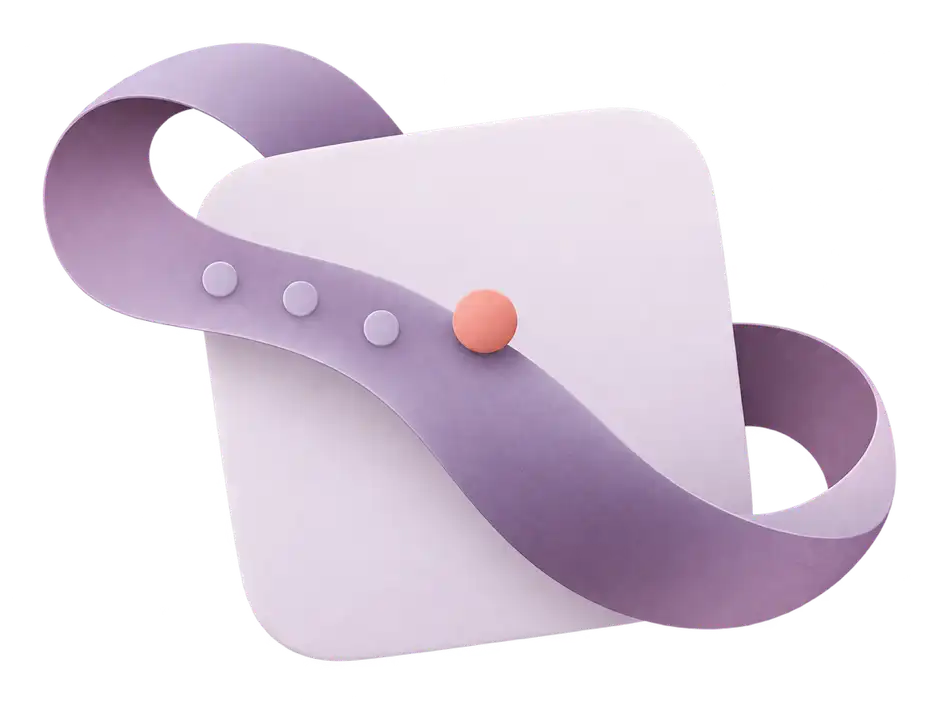
Log what you choose.
Mark a period day, choose an energy level, or write a note while you remember it. Leave the rest blank if it isn’t useful today.
Energy · Lower Note · Headache after lunch - 2
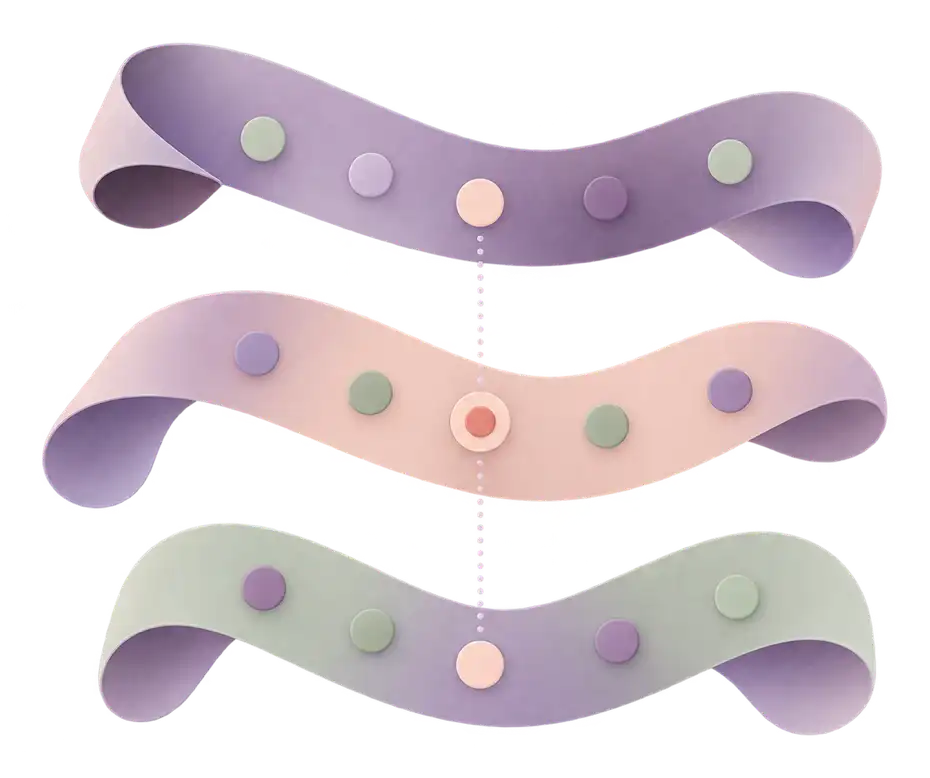
See your recorded patterns.
Ruva counts what you logged around earlier periods, such as a symptom in the 5 days before 3 of your last 5. It describes your records. It doesn’t decide why.
Low energy · before 2 of your last 3 periods - 3
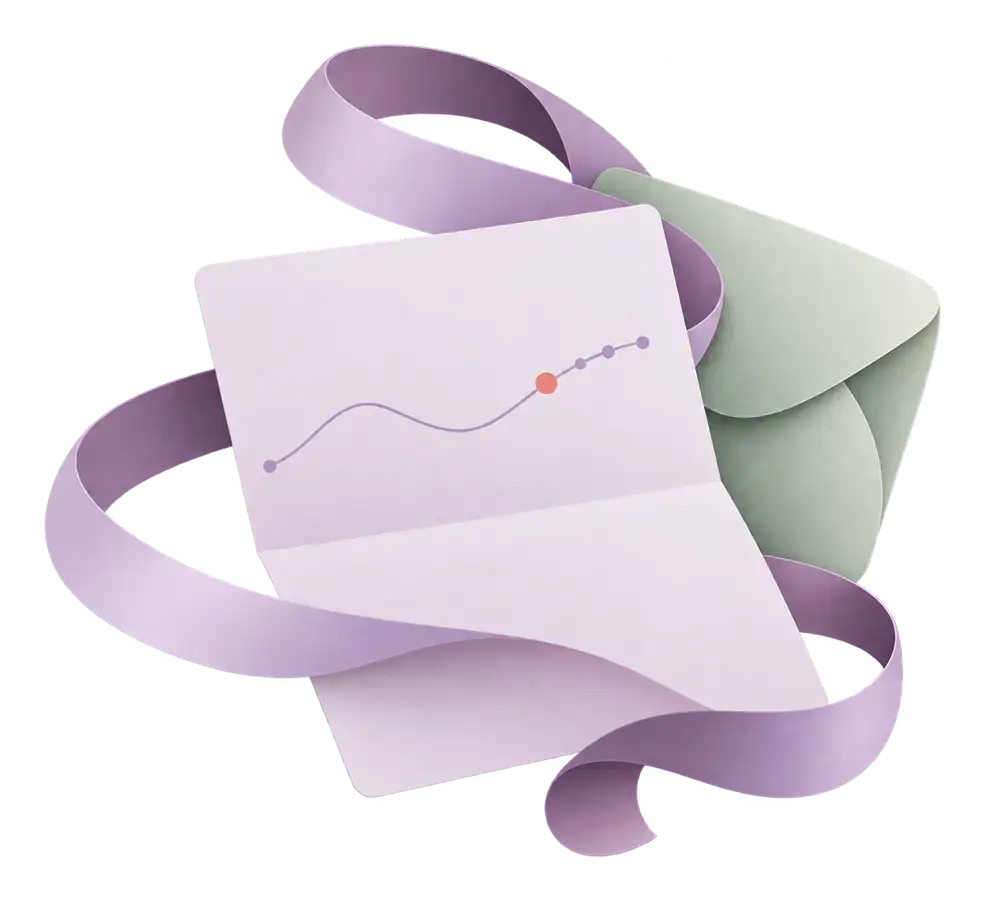
Take a clear summary to an appointment.
A one-page PDF with your cycles, recorded patterns and medicines, ready to share. There are versions for pregnancy and after a birth, and a menopause section.
Doctor summary · PDF Available now
Tracking is optional. Missing a day doesn’t put you behind, and there are no streaks to keep or scores for having a “good” cycle.
Small things that make it easier.
Bring your history with you, keep Ruva close at hand, and look back after each period. All of it is optional.
-
Bring your history
Import from Apple Health, Clue, Flo, Natural Cycles, drip., Mensinator or a CSV file. You see a preview before anything is saved, and you can undo it. On Android, Health Connect works too.
Available now
-
On your home screen
Widgets for Android, iPhone and iPad, including the Lock Screen. Shortcuts from the app icon, a Quick Settings tile on Android, and a one-tap mood check-in from your daily reminder.
Android app now, iPhone soon
-
A recap after each period
When a new period starts, a short look back at your last cycle: how long it was, how close the estimate came and what came up more than once. Share it as an image if you like, with only what you choose.
Available now
-
A note for today
One plain line a day about where you are, with a guide to read more. Hide it for the day, or turn it off.
Available now
-
Keep reading
Save guides for later, pick up where you stopped, and see how far you’ve got in a course.
Available now
-
Add to your calendar
Put your predicted periods in your own calendar with an .ics file, with neutral titles if you prefer. The file is made on your device, and Ruva doesn’t receive it.
Available now
Personal information deserves clear choices.
What you log stays on your device, and there’s no account to create. On the web, that means your browser. It leaves only if you turn on sync between your devices, make a cloud backup, share a short summary with a partner or post in the Community. Linking a Google, Apple or email account is optional. You need it only to sync your devices, join the Community or restore a backup on a new device.
You can download everything as one file and restore it on another device, with no account. There are no ads, and Ruva doesn’t sell data. It uses Google Analytics for Firebase, with advertising switched off, to see how the app is used, and counts health-related screens itself so they never reach Google. You can switch it off.
Read about privacyYour data Preview
- Export everything One file with every entry, setting and reminder. Restore it on another device, with no account.
- Cloud backup Without an account, a copy of your record that you send by tapping Back up now. With a linked Google, Apple or email account, sync keeps your devices up to date instead.
- Partner sharing A private code that shares your name and a short summary, only if you turn it on.
- App lock Android app now, iPhone soon Open Ruva with your phone’s screen lock, such as your fingerprint, face or PIN.
- Discreet notifications Neutral wording on the lock screen, and reminder names you choose.
A little understanding goes a long way.
149 guides in 8 languages, each with its sources. Browse by life stage or topic. Every guide says when to get help and how urgently, with notes for where you live.
Getting started with cycle tracking
Start a useful cycle record with dates, a few everyday notes and room for gaps. Keep it simple so tracking never turns into one more job.

Recorded patterns vs predictions
How an entry, a pattern and an estimate differ, with a worked example and simple ways to read your own record without reading too much into it.

Preparing notes for a healthcare appointment
Make a short, useful note for a GP or clinic appointment: the changes you've noticed, the dates that matter and the questions you want to ask.
The same library is in the app, with gentle suggestions based on what you log. Save guides for later, pick up where you stopped, and follow short courses at your own pace.
Written by the Ruva team from the sources listed in each guide.
Free. Every feature, for everyone.
There’s no paywall, no premium tier and no ads. If you’d like to help keep Ruva going, you can pay what you want in the Android app through Google Play, monthly or once, and in the iPhone app through the App Store once it’s out. The suggested amount is $2.99 a month. There are no payments on the web.
How optional support works- Supporting doesn’t add any features.
- In the phone apps, a small Support Ruva card sits low on Today until you support. It hides for monthly supporters, and for two months after a one-time gift.
- If you’ve used Ruva for three months and never supported, it asks once every three months when you open the app. One tap closes it.
- It never appears in the weeks after a pregnancy loss.
A few things you might want to know
What is Ruva?
Ruva is an app for recording your periods and what you notice day to day, such as symptoms, mood, energy and sleep. It helps you look back at your own history and see patterns in your entries. It has modes for trying to conceive, pregnancy, the months after a birth and perimenopause.
Is Ruva on iPhone and Android?
On Android, yes: get Ruva on Google Play for Android phones and tablets, with a Wear OS app for your watch. The iPhone and iPad app is coming soon, with Apple Watch, and Mac will run the iPad app. Until the iPhone app is out, you can use Ruva in your browser.
Can I use Ruva now?
Yes. Ruva works in your browser, and the Android app is on Google Play, with a Wear OS app for your watch. Both are free and need no account. What you log stays on your device unless you sync it, back it up, share it or post it. The iPhone and Apple Watch apps are coming soon.
What can I track?
You can log period days and flow, symptoms, moods, energy, sleep, discharge, sex and notes, plus pregnancy and ovulation tests, basal temperature, weight and water. You can also keep track of medicines and supplements, the pill, ring, patch or injection, activity minutes and, after a birth, feeds and nappies. You choose what to record. Nothing has to be filled in.
Are predictions guaranteed?
No. Period and fertile windows are estimates based on what you’ve logged, and dates can change. Ruva doesn’t diagnose conditions, confirm ovulation, guarantee pregnancy or work as contraception.
Can I use it without trying to conceive?
Yes. Cycle tracking is a mode of its own, and the fertility and pregnancy views are optional. You don’t need to be planning a pregnancy to want a good record of your periods.
What happens to the information I enter?
What you log stays on your device, and you don’t need an account. On the web, that means your browser. It leaves only if you turn on sync between your devices, make a cloud backup, share with a partner or post in the Community. You can download all of it or delete everything. Ruva has no ads and doesn’t sell data. The demo on this website uses sample entries and clears your changes on reset or reload.
Is there a paid plan?
No. Every feature is free for everyone, with no paywall and no premium tier. If you’d like, you can support Ruva with an optional pay-what-you-want amount in the Android app, through Google Play, and in the iPhone app, through the App Store, once it’s out. There are no payments on the web. The suggested amount is $2.99 a month. Supporting doesn’t add any features.
More answers about the app, periods, symptoms and fertility are on the common questions page.
A little more clarity starts here.
A place for the dates you forget and the details you want to remember.
Free in your browser, on Android and on Wear OS now. iPhone, iPad and Apple Watch apps coming soon.